
Why VPNs Are Useful – and How to Build Your Own with WireGuard
In today’s connected world, our internet traffic passes through countless networks, ISPs, and potential points of surveillance or interception. Whether you’re connecting over public Wi-Fi at an airport, accessing sensitive business resources remotely, or just looking to keep your browsing habits private, a VPN (Virtual Private Network) can be one of the most effective tools in your privacy and security toolkit.
Why Use a VPN?
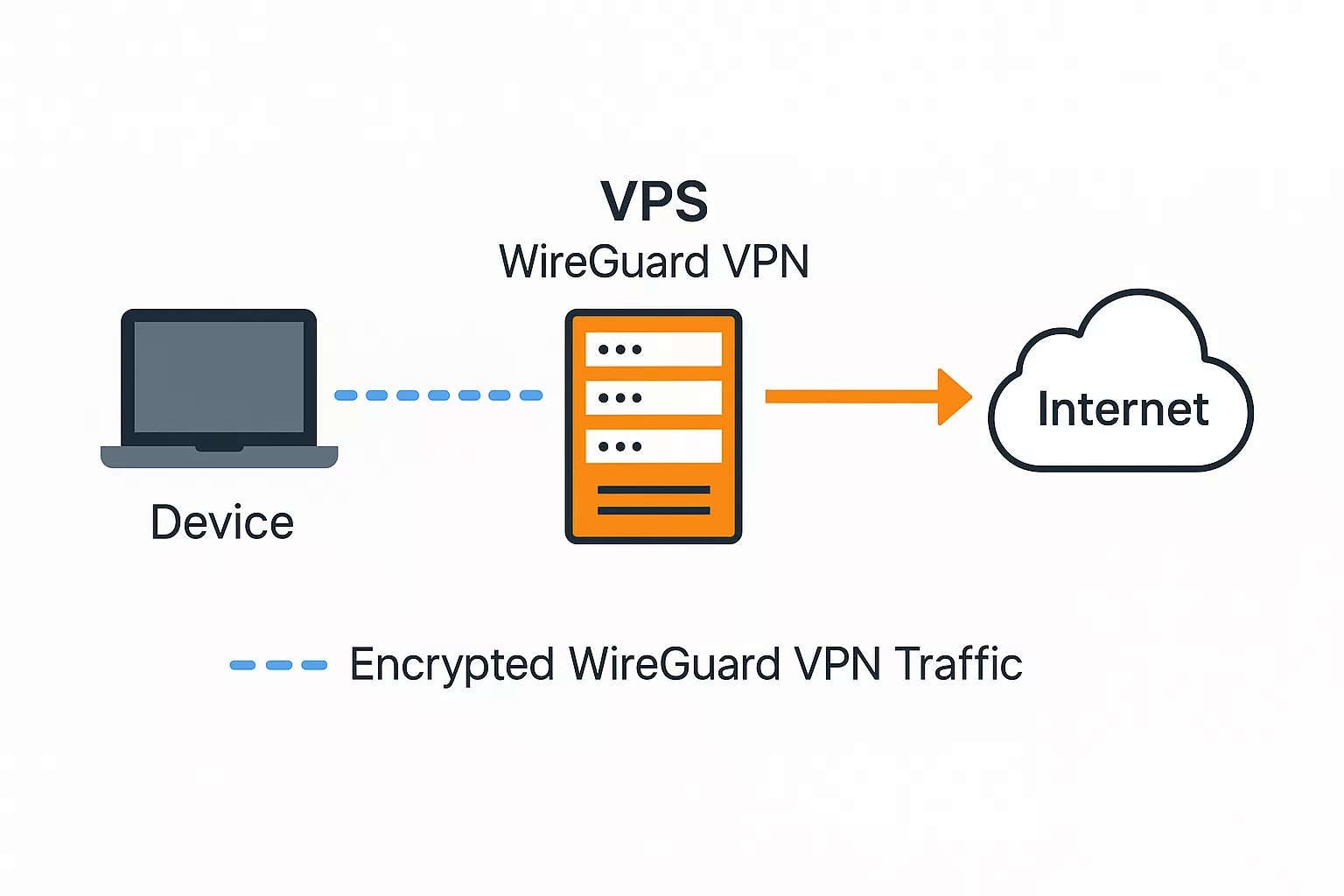
A VPN works by creating a secure, encrypted tunnel between your device and a remote server. This tunnel hides your online activities from prying eyes and makes it appear as though your traffic originates from the VPN server’s location.
Here are some key benefits of using a VPN:
- Privacy & Anonymity – Your ISP and public networks can’t easily see which sites you visit.
- Security on Public Wi-Fi – Protects against packet sniffing and man-in-the-middle attacks.
- Geo-Restriction Bypass – Lets you access region-specific services and content.
- Remote Work Access – Securely connects you to private company networks.
Why Build Your Own VPN Instead of Using a Service?
Commercial VPN services are convenient – just sign up, download the app, and go. But they come with limitations:
- Trust Issues – You’re shifting trust from your ISP to the VPN provider. If they log your activity, they could sell or disclose it.
- Shared IPs – You often share an IP with thousands of other users, which can cause issues with websites or services.
- Ongoing Cost – Monthly or annual subscription fees add up over time.
- Limited Control – You’re restricted to the provider’s settings, protocols, and available locations.
When you build your own VPN:
- Lower Long-Term Cost – A small VPS (Virtual Private Server) often costs less than a VPN subscription.
- Full Control – You choose the software, encryption, and access policies.
- Dedicated IP – No sharing with strangers; your server is yours alone.
- Flexibility – Add users, tweak configurations, and expand to multiple locations on your terms.
Why WireGuard?
WireGuard is a modern, open-source VPN protocol that’s simpler, faster, and easier to configure than older protocols like OpenVPN or IPSec. It’s:
- Lightweight – Minimal codebase reduces the attack surface.
- Fast – Efficient cryptography means low latency and high throughput.
- Cross-Platform – Works on Linux, Windows, macOS, iOS, and Android.
- Secure – Uses state-of-the-art encryption primitives.
Building Your Own WireGuard VPN with WG-Easy
The easiest way to deploy WireGuard on your own VPS is with WG-Easy – a lightweight web interface for managing WireGuard peers.
Below is a script that automates the entire installation and configuration process.
Deployment Script
#!/bin/bash
#
# Example deployment on Ubuntu server or cloud instance.

set -e

echo "[*] Installing dependencies..."
apt update
apt install -y docker.io wireguard-tools net-tools iproute2 iptables-persistent

echo "[*] Enabling IP forwarding..."
sysctl -w net.ipv4.ip_forward=1
sysctl -w net.ipv4.conf.all.src_valid_mark=1
cat <<EOF > /etc/sysctl.d/99-wg.conf
net.ipv4.ip_forward=1
net.ipv4.conf.all.src_valid_mark=1
EOF
sysctl --system

echo "[*] Creating persistent WireGuard config directory..."
mkdir -p ~/.wg-easy

echo "[*] Removing any existing wg-easy container..."
docker rm -f wg-easy 2>/dev/null || true

echo "[*] Running wg-easy container..."
docker run -d \
  --network host \
  -e INSECURE=true \
  --name wg-easy \
  -v ~/.wg-easy:/etc/wireguard \
  -v /lib/modules:/lib/modules:ro \
  -p 51820:51820/udp \
  -p 51821:51821/tcp \
  --cap-add NET_ADMIN \
  --cap-add SYS_MODULE \
  --restart unless-stopped \
  ghcr.io/wg-easy/wg-easy:15

# Auto-detect the public interface for NAT
PUB_IFACE=$(ip route get 8.8.8.8 | awk '{for(i=1;i<=NF;i++) if ($i=="dev") print $(i+1)}')

echo "[*] Setting up iptables NAT on interface: $PUB_IFACE"
iptables -t nat -A POSTROUTING -s 10.8.0.0/24 -o "$PUB_IFACE" -j MASQUERADE
iptables -A FORWARD -i wg0 -j ACCEPT
iptables -A FORWARD -o wg0 -j ACCEPT

echo "[*] Saving iptables rules to make them persistent..."
iptables-save > /etc/iptables/rules.v4

echo "[✓] WG-Easy is deployed and iptables rules are persistent."
echo "Visit: http://$(hostname -I | awk '{print $1}'):51821"
What the Script Does
- Installs Required Software
- Docker – To run WG-Easy in a container.
- WireGuard Tools – Core WireGuard utilities.
- Net-Tools & iproute2 – Networking tools for interface management.
- iptables-persistent – To save firewall rules.
- Enables IP Forwarding
- Allows traffic to be routed between the VPN and the internet.
- Configured both immediately (
sysctl -w) and persistently (/etc/sysctl.d/99-wg.conf).
- Creates a Config Directory
- Stores WireGuard configs so they survive container restarts.
- Removes Any Old WG-Easy Container
- Ensures a fresh start without conflicts.
- Runs the WG-Easy Docker Container
- Runs with host networking for performance.
- Maps WireGuard’s UDP port (51820) and the WG-Easy web UI (51821).
- Grants required capabilities for network management.
- Configures the container to restart automatically.
- Sets Up NAT and Firewall Rules
- Detects the VPS’s public network interface automatically.
- Configures
iptablesto allow VPN clients to access the internet through the VPS.
- Saves Firewall Rules
- Ensures rules persist after a reboot.
- Displays Access URL
- Prints the web UI address for easy setup of clients.
How to Use It
- Deploy a VPS from a provider like DigitalOcean, Vultr, or Linode (Ubuntu 20.04+ recommended).
- Copy the Script into a file, e.g.,
setup-wg.sh. - Make It Executable: bashCopyEdit
chmod +x setup-wg.sh - Run It as Root: bashCopyEdit
sudo ./setup-wg.sh - Access the Web Interface:
Openhttp://YOUR_SERVER_IP:51821in your browser. - Add Clients and download their
.conffiles or scan the QR codes with your mobile WireGuard app.
Final Thoughts
A self-hosted WireGuard VPN on a VPS gives you:
- Lower long-term cost
- Full privacy control
- No shared IP address with strangers
- Faster speeds with modern encryption
While commercial VPN services may still be useful for casual users or those needing many geographic locations, building your own is an excellent choice if you value control, performance, and transparency.

