
So I run pfsense firewall on an intel NUC. I ran into an issue where updating from 2.8.1 to 2.9.0 bit me in the ass. After committing the update, I rebooted, and the firewall didn’t come back up. Because my firewall is headless, I grabbed a spare monitor, and keyboard and took a look. This is what I saw:
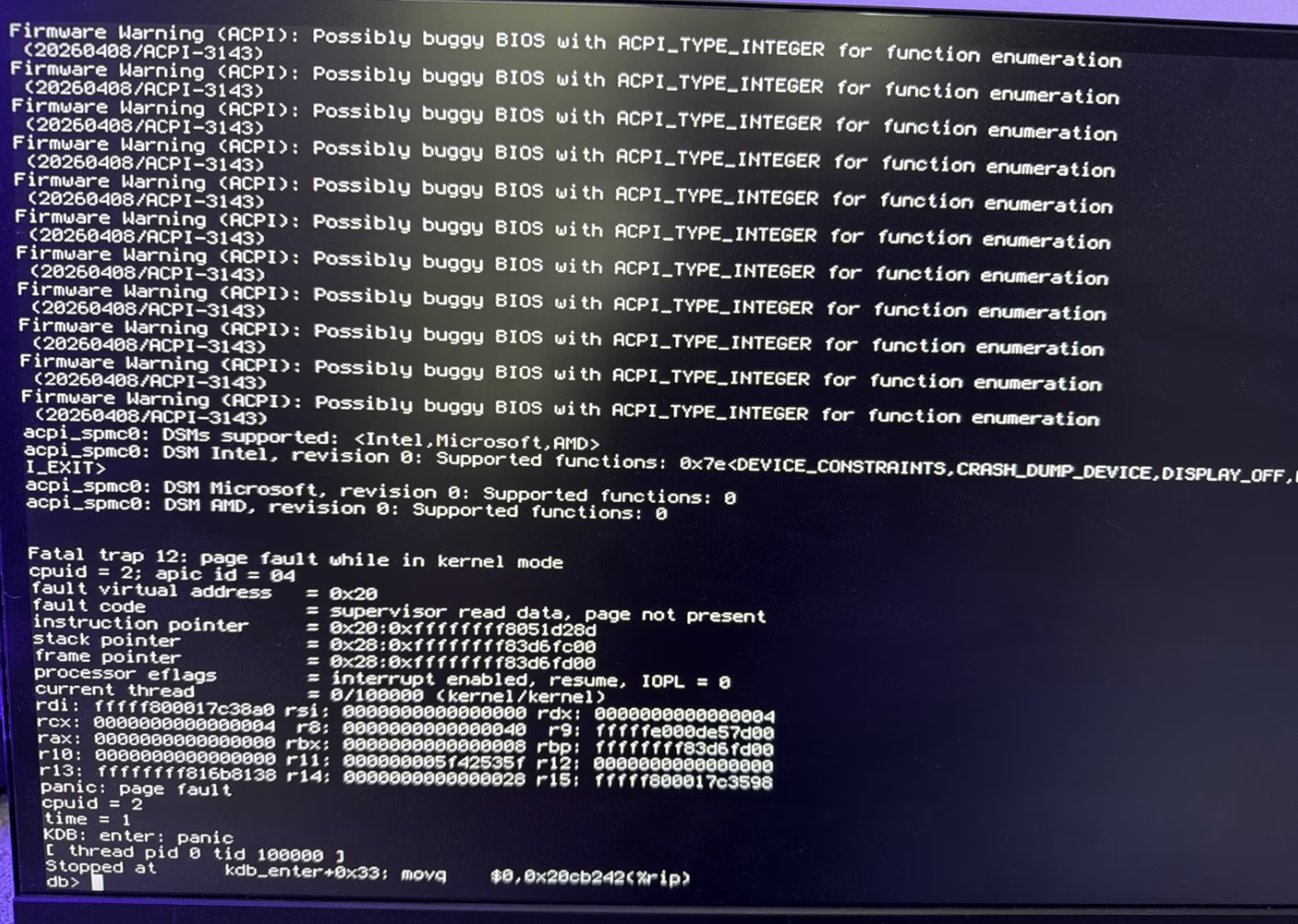
Needless to say, that wasn’t making me feel very good. I’ve got some very complex FW rules and routing setup and I didn’t feel like doing a firewall rebuild. Yes I have configs backed up, but it’s still a pain in the ass.
That being said, upon dumpster diving netgate’s knowledge base, I found this issue mentioned specifically with this release. Here’s the reason:
pfsense 2.9.0 hardware errata
Read the errata directly from netgate’s KB: https://docs.netgate.com/pfsense/en/latest/releases/2-9-0.html
Basically, this is due to the change in the underlying FreeBSD OS. The fix is simple if you have a local serial/VGA console:
1) Reboot the firewall, and at the boot menu, hit option 3 before the boot commences.
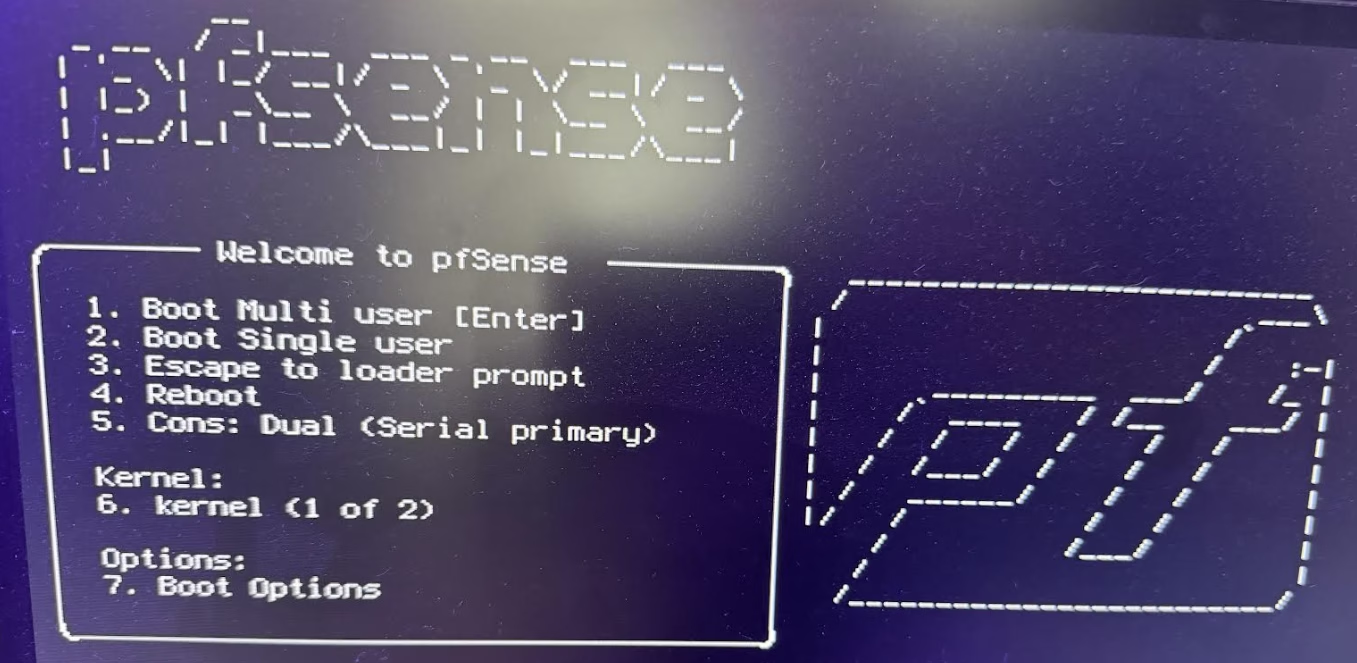
2) Once you enter option 3, enter this line EXACTLY:
set hint.acpi_spmc.0.disable=1then hit ENTER to go to the next line. Type: boot. then ENTER.
At this point, the firewall should completely boot and give you the local console menu. Once you get to that menu, you need to make this change persistent so the next time your boot, the firewall won’t hang. Here’s how:
*** Welcome to pfSense 2.9.0-RELEASE (amd64) on fw ***

 WAN (wan)   -> igc0 -> v4/DHCP4: <REDACTED>/23
 LAN (lan)   -> igc1 -> v4: 172.30.5.1/24
 OPT1 (opt1) -> igc2 ->

 0) Logout / Disconnect SSH            9) pfTop
 1) Assign Interfaces                 10) Filter Logs
 2) Set interface(s) IP address       11) Restart GUI
 3) Reset admin account and password  12) PHP shell + pfSense tools
 4) Reset to factory defaults         13) Update from console
 5) Reboot system                     14) Disable Secure Shell (sshd)
 6) Halt system                       15) Restore recent configuration
 7) Ping host                         16) Restart PHP-FPM
 8) Shell

Enter an option: 8
then:
echo 'hint.acpi_spmc.0.disable=1' >> /boot/loader.conf.localverify:
[2.9.0-RELEASE][root@<REDACTED>]/root: cat /boot/loader.conf.local
hint.acpi_spmc.0.disabled=1
If you see that, then you can reboot and the firewall will always boot normally. I hope this gets someone out of the same snag, and saves a lot of trouble.

